Pros:
- Provides visibility into the baseline performance and availability of the monitored applications.
- Gain availability information and be considered in the root cause analysis of problems that impacting the monitor.
It’s configurable through:
- The synthetic monitor settings page “Visual Mode”.
- API.
- Monitored application UI.
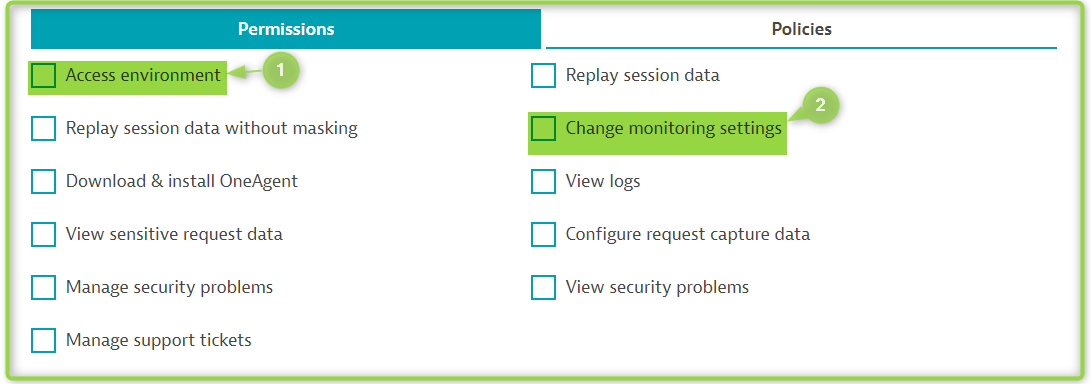
As a cluster admin or Dynatrace platform admin with the attached privileges you will be capable of applying the required configurations.
You can access the synthetics either the current configured or to configure new synthetics through any of the available options

Or


Via API > Press the three dots.


Through the Application UI
- Simply Navigate to the monitored application and then follow the attached steps.


KR,
Peter